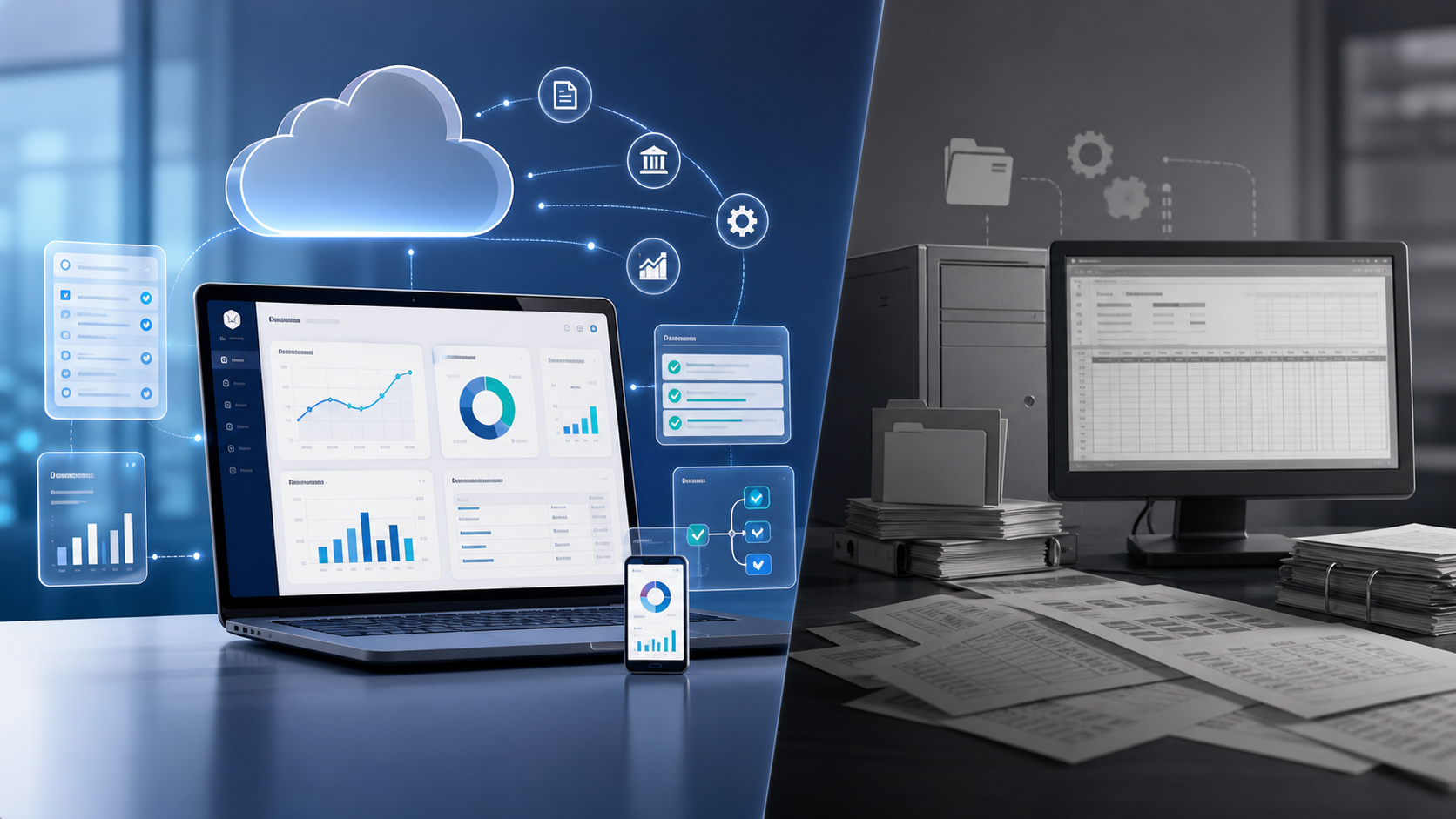
Cloud accounting is not just desktop accounting moved into a browser. For a small finance team, the real gain is that invoices, bank feeds, approvals, reporting, and owner questions can finally operate from the same live record instead of from exports, backups, and spreadsheet copies.
Desktop systems can still work for stable companies with simple needs, strong local IT, and limited collaboration. But when founders want weekly cash visibility, accountants need clean evidence, and managers need faster decisions, the operating model changes. The question is not whether cloud tools are fashionable. The question is whether your finance workflow can handle growth without adding more manual control points.
Why Cloud Accounting Changes the Finance Workflow
The old desktop pattern is familiar: one machine holds the accounting file, one person has the latest backup, the accountant receives a copy, management reports come from exported trial balances, and someone later reconciles the differences. That setup can be controlled, but it creates latency. By the time the owner sees the numbers, the cash position may already have changed.
Cloud accounting puts the ledger, connected bank feeds, document attachments, user permissions, and reporting access in one shared environment. The practical benefit is not magic automation. It is that the finance team stops moving data around before it can analyse it. IFAC describes cloud-based accounting as a way to improve access, efficiency, and automation for accountancy organisations, and the same logic applies inside lean business finance teams.
For Coffr Cloud clients and similar owner-operated businesses, this matters most in three places: daily cash visibility, month-end close, and approval control. A desktop ledger may record what happened. A cloud finance workflow helps the business respond while there is still time to act.
The Real Gains: Access, Speed, and Decision Quality
The first gain is access. A founder, bookkeeper, external accountant, and fractional CFO can look at the same live receivables, payables, bank balances, and reconciliation status. That avoids the ritual of asking who has the latest file. It also makes reviews more specific. Instead of asking for a new spreadsheet, the reviewer can open an invoice, inspect the attachment, check the approval trail, and comment on the exception.
The second gain is speed. Connected bank feeds and rules-based coding do not eliminate review, but they reduce the volume of routine data entry. NetSuite’s cloud accounting overview notes common cloud capabilities such as online access, automation, and integration with other systems. In practice, this means the finance team can spend less time importing transactions and more time resolving unmatched items, unusual postings, and missing documents.
The third gain is decision quality. A live ledger does not make every report correct, but it shortens the distance between transaction capture and management action. Cash runway, aged receivables, supplier commitments, margin movement, and VAT or sales tax exposure become easier to monitor when the underlying data is not trapped in a local file.
✓ Practical Gains Finance Teams Notice First
- ✓ Fewer file versions and fewer manual exports for reporting.
- ✓ Faster bank reconciliation because feeds, rules, and attachments sit together.
- ✓ Cleaner approval evidence for invoices, expenses, journals, and payment runs.
- ✓ Better owner visibility into cash, receivables, payables, and close status.
Where Desktop Accounting Still Makes Sense
Desktop accounting is not automatically wrong. It can be a sensible choice when a business has low transaction volume, one primary finance user, limited need for remote access, and no urgency to integrate with payments, payroll, ecommerce, or dashboards. It can also fit businesses that require offline operation or have legacy workflows tied to local systems.
The trade-off is operating friction. Desktop systems usually make collaboration harder. They often rely on backups, local permissions, manual updates, and separate reporting files. NetSuite’s cloud versus desktop comparison frames the choice around access, control, maintenance, and scalability. Finance leaders should treat that as an operating decision, not only a software decision.
If your finance process only needs to produce statutory accounts once a year, desktop may be adequate. If the business needs weekly cash decisions, customer credit follow-up, supplier payment planning, board reporting, or multi-user approval flows, the desktop model starts to become the bottleneck.
Cloud vs Desktop: Operational Comparison
| Area | Cloud Accounting | Desktop Accounting |
|---|---|---|
| Access | Shared access from browser or app, controlled by role. | Usually tied to local machines, VPN, or copied files. |
| Automation | Bank feeds, invoice capture, API integrations, recurring workflows. | Often batch imports, manual exports, or local add-ons. |
| Controls | Permissions, approval logs, document links, and activity history. | Depends heavily on local process discipline and backups. |
| Reporting | Live dashboards and connected management reports. | Spreadsheet packs and exported trial balances are common. |
Controls and Audit Trails Matter More Than Features
A finance system is only useful if the numbers can be trusted. That means the team needs evidence, not memory. For each important transaction, a reviewer should be able to trace the invoice, approval, coding, payment, bank match, and journal impact. The IRS recordkeeping guidance reinforces a basic principle that applies broadly: businesses must keep records that substantiate income, deductions, and credits. Cloud systems can make that easier, but only when document capture and review routines are designed properly.
Security also becomes a board-level finance issue. Cloud tools reduce local backup risk, but they introduce the need for strong user access, multi-factor authentication, offboarding routines, and approval limits. The NIST Cybersecurity Framework is a useful reference for thinking about identify, protect, detect, respond, and recover activities. A small business does not need enterprise bureaucracy, but it does need named owners for access review and incident response.
Fraud risk should not be ignored either. ACFE fraud resources repeatedly point to weak controls, poor oversight, and override risk as recurring causes of occupational fraud. Cloud accounting helps when it enforces approval paths and logs actions. It does not help when everyone has admin rights and payment batches are approved without support.
📝 Controls Note
Do not migrate a messy desktop file into a cloud platform and call it automation. Clean the chart of accounts, vendor master, customer list, tax codes, bank rules, and opening balances first. Bad master data travels very well.
A Practical Migration Checklist for Finance Teams
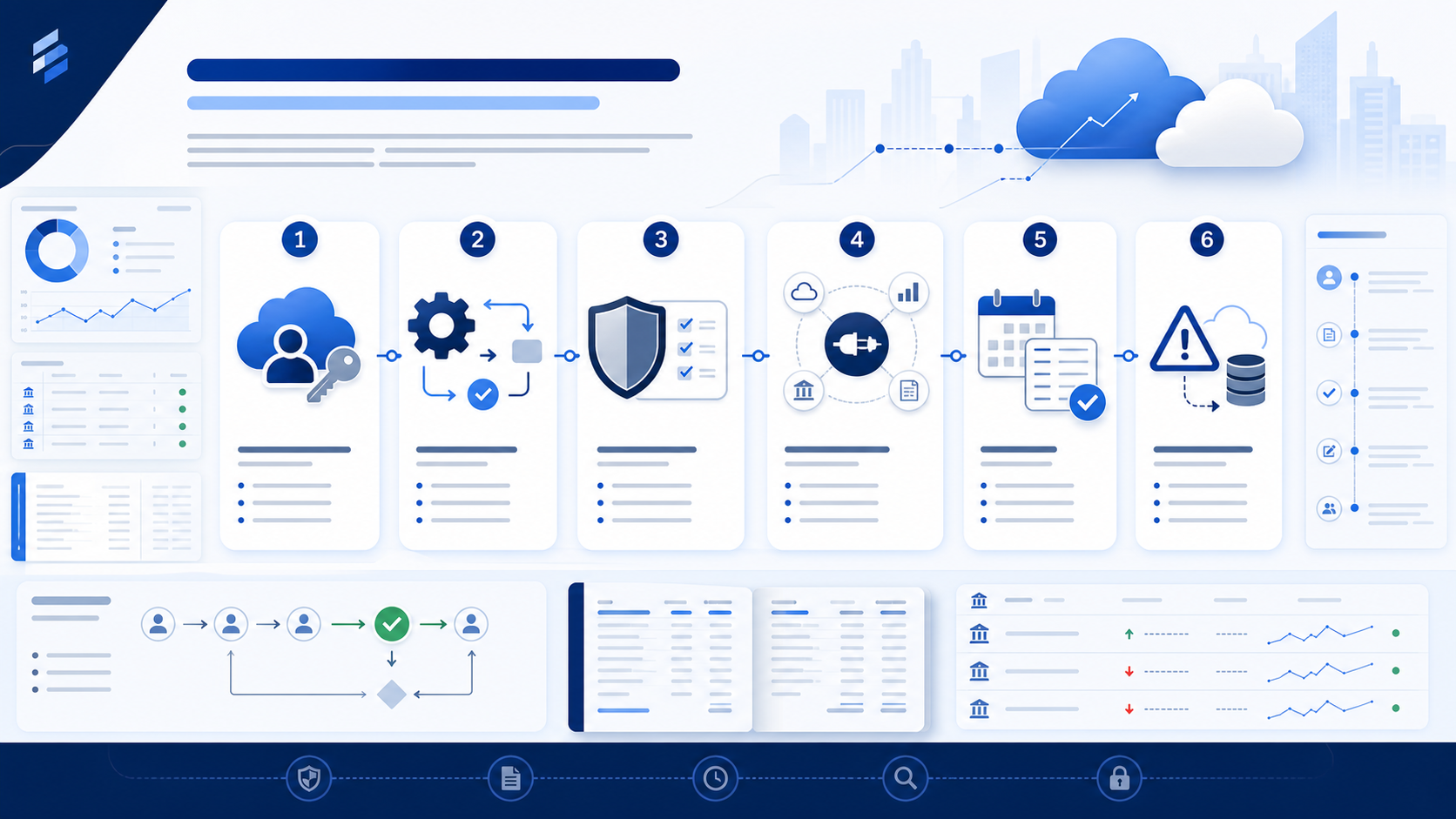
Start with workflow mapping, not vendor demos. List the core cycles: quote to cash, procure to pay, payroll, expenses, bank reconciliation, month-end journals, management reporting, and tax support. For each cycle, identify who initiates, who approves, what evidence is required, where the document lives, what system updates the ledger, and what exception needs review.
Then decide what to automate first. Bank feeds and reconciliation rules are usually early wins because they reduce daily friction. Invoice capture and approval workflows are next because they improve both efficiency and control. Management reporting should follow once the chart of accounts and dimensions are clean. CPA.com’s CAS Benchmark Survey shows how cloud tooling and workflow design have become central to modern accounting service delivery, which is a useful signal for internal finance teams too.
Keep the first implementation boring. A well-controlled cash dashboard, invoice approval flow, and monthly close checklist will create more value than a complicated AI pilot built on poor data. Once the basics are stable, add forecasting, exception detection, and management dashboards.
✓ Migration Checklist
- ✓ Freeze and review the current chart of accounts before migration.
- ✓ Clean vendor, customer, tax, bank, and tracking-category master data.
- ✓ Define approval limits for invoices, expenses, journals, and payment runs.
- ✓ Reconcile opening balances and keep a signed migration evidence pack.
What to Automate First
The first automation target should be repetitive, rule-based, and easy to review. Bank transaction coding is a good candidate. Invoice routing is another. Recurring journals, depreciation calculations, payment reminders, and report distribution can also be useful. But anything involving judgement, unusual contracts, revenue cut-off, related-party transactions, or material estimates should include explicit human review.
This is where IFAC’s discussion of AI and intelligent automation is useful. Automation should remove repetitive work and improve insight, but finance teams still need judgement, review, and accountability. In a cloud workflow, AI can suggest a coding treatment, identify a duplicate invoice, or flag an unusual cash movement. The control question is who reviews the suggestion and what evidence remains afterward.
If your team wants to modernise quickly, start with daily bank reconciliation, accounts payable approvals, expense policy checks, and a simple Monday dashboard. Those workflows create immediate visibility and give finance operators a foundation for more advanced automation later.
💡 Pro Tip
Before switching systems, build a one-page process map for the close. If you cannot explain how bank reconciliation, AP cut-off, AR review, journals, and management reporting work today, the migration will only make the confusion faster.
Metrics That Show Whether the Move Worked
Do not judge the migration by whether the new login screen looks better. Judge it by operating metrics. Track the number of days to close, the percentage of bank transactions matched automatically, the number of invoices approved outside policy, the age of unreconciled items, and how quickly management receives a useful reporting pack. If those metrics do not improve, the system changed but the finance operation did not.
For reporting, focus on a small set of decisions. Cash runway helps owners plan payments and hiring. Aged receivables helps sales and operations chase collections. Gross margin by product, customer, or location helps pricing decisions. Budget versus actual reporting helps managers understand variance instead of defending a static spreadsheet. The Journal of Accountancy’s CAS 2.0 discussion is a useful reminder that finance value increasingly comes from insight, not only transaction processing.
A good cloud finance stack should make exception review easier. The team should see what is missing, late, mismatched, duplicated, or outside policy. That is the real difference between automation as a gimmick and automation as a finance control layer.
The Pragmatic Next Step
If you are comparing desktop and cloud accounting today, do not start with a feature matrix. Start with the finance questions that are currently painful. How much cash can we safely pay out this week? Which customers are slipping? Which supplier invoices are approved but unpaid? Which reconciliations are still open? Which journals were posted after the close deadline? Those questions reveal the workflow requirements.
Then run a short readiness review. Document your current process, clean your master data, choose the first three workflows to improve, and define the controls that must survive the migration. Use Coffr Cloud as a practical lens: cloud finance is valuable when it gives operators clearer numbers, better evidence, and fewer manual bottlenecks. You can also review more cloud finance articles as your team builds the roadmap.
The best move is usually incremental. Migrate the ledger cleanly, connect the banks, enforce basic approvals, build the cash dashboard, and shorten the close. Once those foundations work, cloud accounting becomes more than a software subscription. It becomes the operating system for finance decisions.
⚠️ Disclaimer
This article is general finance-operations guidance as of July 2026. It is not tax, audit, legal, or accounting advice. Confirm system, retention, and compliance requirements with your accountant, auditor, or legal adviser.
Frequently Asked Questions
Is cloud accounting always better than desktop accounting?
No. Cloud accounting is usually better for collaboration, automation, dashboards, and remote access. Desktop accounting can still work for simple, stable businesses with one finance user, limited integration needs, and strong local backup discipline.
What should a finance team automate first?
Start with bank feeds, reconciliation rules, invoice approval routing, expense checks, recurring journals, and report distribution. Keep material judgement areas under human review until the data and controls are mature.
How do we avoid losing control during migration?
Clean master data first, reconcile opening balances, define approval limits, restrict admin access, preserve source documents, and keep a migration evidence pack that explains what changed and who approved it.
Does cloud accounting replace the accountant?
No. It reduces manual processing and improves visibility. Accountants still need to review exceptions, judgement areas, cut-off, tax treatment, estimates, controls, and management interpretation.
How do we measure success after moving to cloud accounting?
Track days to close, auto-match rate, unreconciled items, approval cycle time, late reports, duplicate payments, reporting pack delivery time, and how often owners use the dashboard for actual decisions.